How to Search Gene-Disease Data Using Plain-Language Questions
Finding the right gene, disease, or pathway page on a large database can take a few clicks even when you already know what you're looking for. GeDiPNet's built-in assistant, available on the homepage, lets you skip that by simply typing a question in plain language.
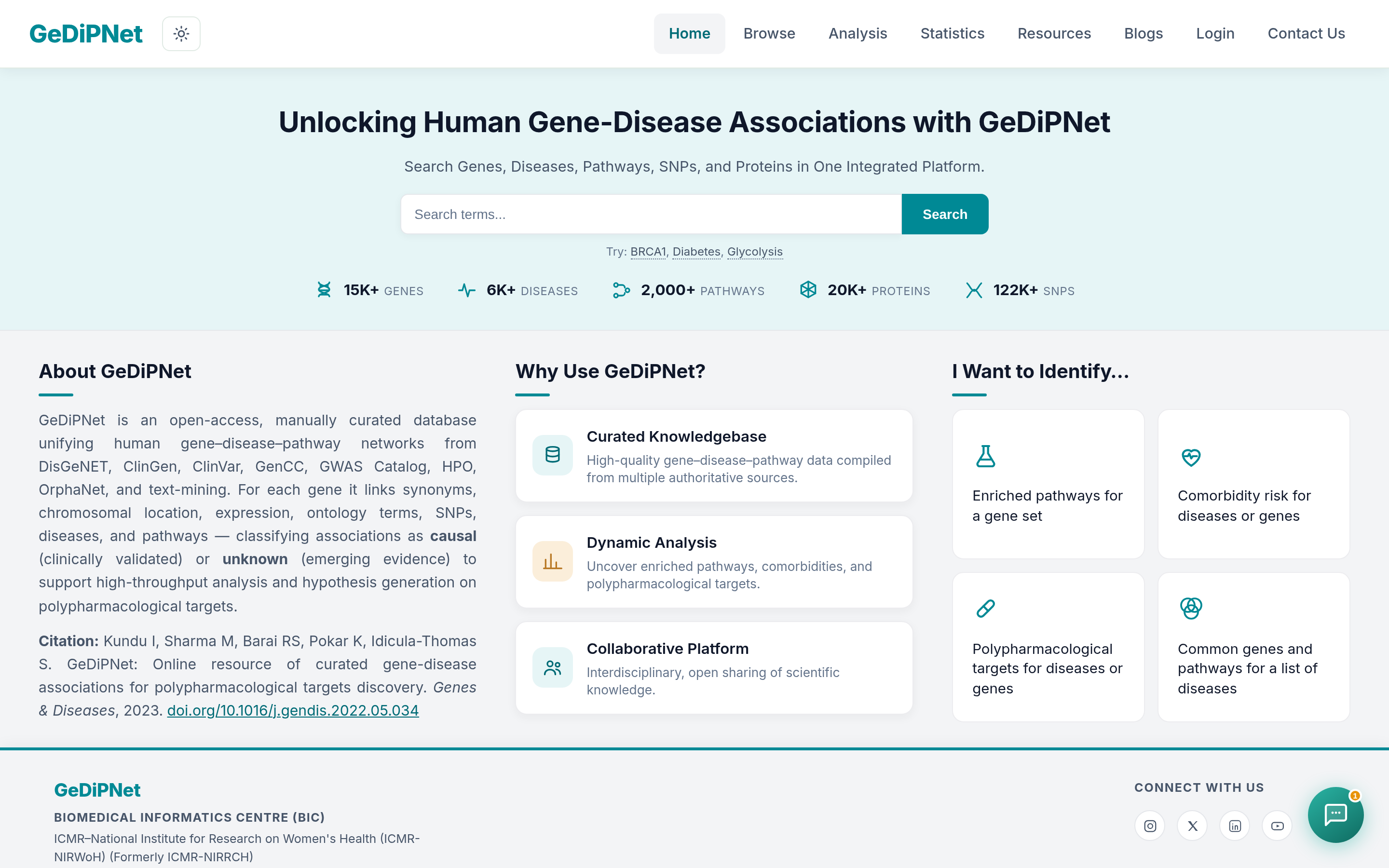
How to use the GeDiPNet Assistant
Open the chat widget on the homepage and type your question the way you'd ask a colleague — no special syntax or filters needed. The assistant reads your question and points you to the relevant gene, disease, or tool page on GeDiPNet.
What kinds of questions can I ask?
Some real examples of questions you can type directly into the assistant:
- "What genes are associated with metabolic syndrome?"
- "How do I run a pathway enrichment analysis?"
- "Where can I find KEGG pathway data for a gene?"
- "How do I compare two gene lists to see what overlaps?"
Where to go for deeper analysis
The assistant is a starting point — for hands-on work, GeDiPNet's own tools go further:
- Browse curated genes and diseases directly.
- Run a disease enrichment analysis or a pathway enrichment analysis on your own gene list.
- Look up pathway data in Reactome or KEGG.
- Explore disease co-occurrence with the comorbidity analysis tool — see our step-by-step comorbidity guide.
- Compare gene or pathway sets with Venn analysis.
- Still not sure which tool fits your question? See Which GeDiPNet Analysis Tool Should I Use?
This is an early step in making GeDiPNet more accessible to researchers who are new to the platform, and we'll keep improving it based on the kinds of questions people actually ask. If it gives you a confusing or unhelpful answer, let us know at biomedinfo@nirrch.res.in — that feedback directly shapes what we improve next.